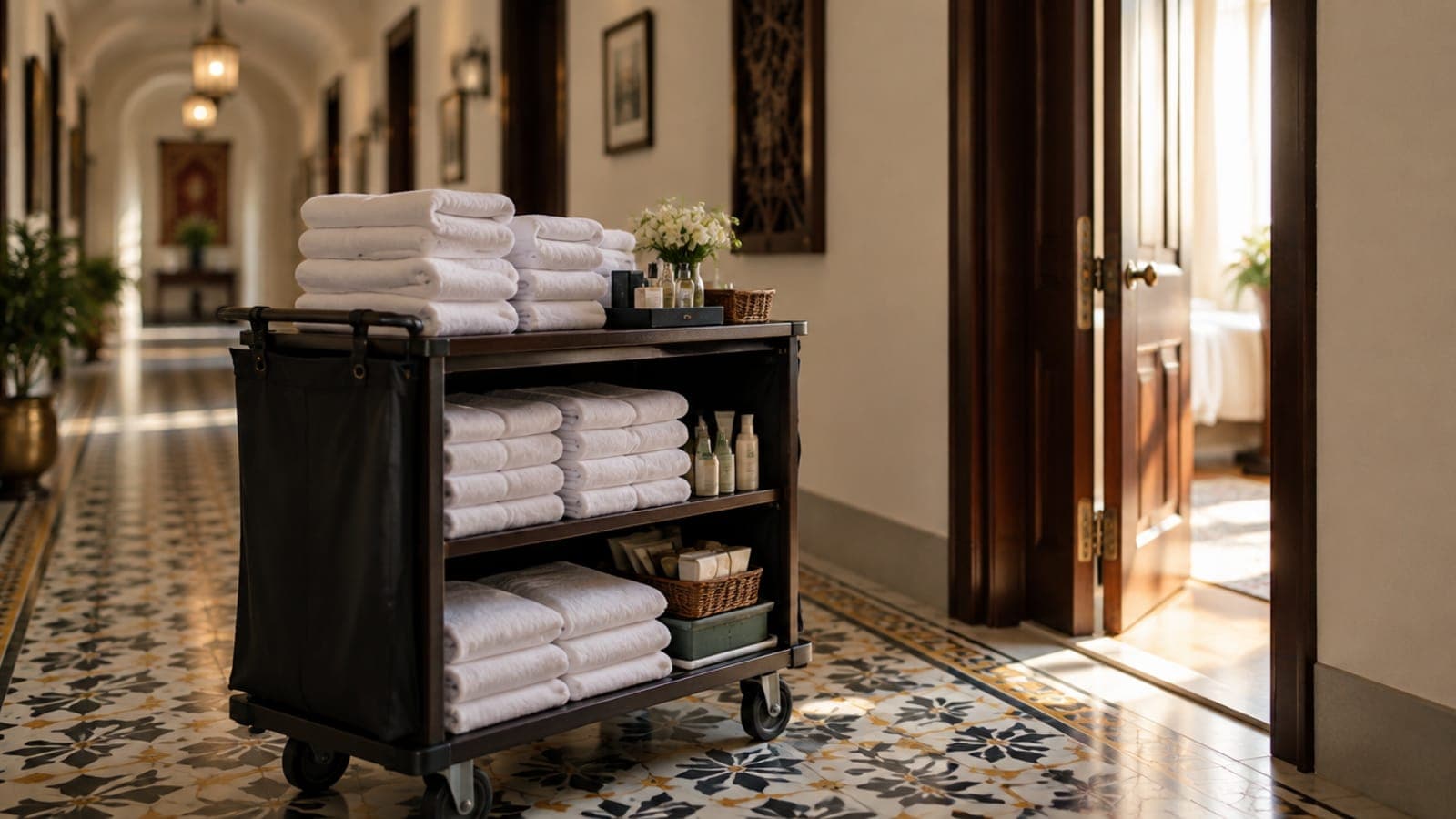
Room 305 asks for extra towels at 9 pm. The receptionist says "right away" and turns to a walk-in. At 10 pm the guest calls again, a little colder this time. Two weeks later a review says "slow service", and nobody at the desk remembers why. This post shows how to track each request as a ticket, follow it up, and turn kept promises into reviews and repeat stays.
Every request is a promise with a deadline
When a guest asks for towels and hears "right away", they hear a promise. A clock starts in their head the moment they hear it. The desk's clock often doesn't start at all, because the next guest is already talking.
Requests kept in someone's head get lost at the shift change and in the evening rush. They also get lost between departments. The receptionist tells housekeeping, housekeeping gets busy, and nobody tells the guest anything. The towel costs almost nothing, but the broken promise can cost you a review.
A ticket fixes this by writing the promise down and putting a name and a time on it. Once a request is written down, the next shift can see it too.
A ticket needs an owner, a clock and an ending
A useful ticket has four parts.
- The room and the guest. So the right door gets the knock.
- What was asked, in the guest's words. "No hot water in the shower" tells the technician more than "maintenance".
- An owner. One named person, because a whole team can't be asked why something is late.
- A due time. Set it by type: towels take minutes, and a repair may take hours.
Then the ticket moves through a short life: raised, acknowledged, being done, done. The acknowledged step matters more than it sounds, because it tells the desk and the guest that a real person has picked it up.
In the ZimmerStack PMS, the tickets desk shows every open ticket with its due time and its priority. Overdue tickets are marked and sorted to the top. Staff acknowledge a ticket when they pick it up, then resolve it when the job is done. In the owner's admin app, a tasks board shows the housekeeping and maintenance work.
Sort requests so the right team sees them
Sorting requests by type does two jobs. It sends each request to the team that can fix it, and over a month it shows you what keeps breaking.
| Type | Common requests | Who owns it | Example target (set your own) |
|---|---|---|---|
| Housekeeping | Towels, cleaning, extra bed, toiletries | Housekeeping supervisor | 20 minutes |
| Maintenance | Air conditioning, hot water, TV, a leaking tap | Maintenance technician | 1 hour |
| Food and room service | An order, cutlery, a wrong dish | Restaurant captain | 30 minutes |
| Front office | A bill question, a wake-up call, a taxi | Duty manager | 15 minutes |
The targets in the table are only examples. Pick your own, write them down, and pin them where the whole desk can see them.
Guests shouldn't have to phone reception to ask for help. ZimmerStack's in-room QR concierge puts a printed card in each room. The guest scans it with the phone camera, with no app to download, and asks for housekeeping, room service, extra towels or maintenance. The request reaches your staff as a ticket, and room-service orders go to the restaurant's POS. Our post on in-room QR codes covers what to print and where to put the card.
Call the guest back before they write the review
Closing a ticket doesn't end it, because only the guest can decide whether the job is done. A short courtesy call closes the loop, and it often turns up a second problem the guest didn't bother to report.
- Call once after check-in. Ask if the room is what they expected.
- Call after every fix. "We've fixed the water heater. Is the water hot now?"
- Ask one open question. Ask if anything would make the stay better.
- Open a ticket while you're on the call. Don't promise from memory.
- Note the guest's mood. A guest who sounded unhappy should get a visit from the duty manager.
In ZimmerStack, the in-house list flags each staying guest whose courtesy call is due, and flags them again on each day of the stay. The desk logs the call with the guest's mood and any problem. If there's a problem, a ticket opens from the same screen, so nothing waits on memory.
Kept promises show up in reviews and repeat stays
In a review, the missing towel matters less than how the hotel handled it. A fault fixed fast and followed up with a call gives the guest a good story to tell. A fault ignored gives them a bad one.
That story ends up in a review, and reviews shape the next guest's choice. Our post on ratings and reviews explains how a rating affects the price you can hold. A guest who felt looked after is also more likely to come back. A returning guest can book on your own website, where you pay no OTA commission. A note in their guest record about what went wrong last time means it won't happen twice.
Ask for the review while the stay is still fresh. ZimmerStack's reviews app gives the guest a short page after checkout to rate the stay and leave suggestions. The rating is saved on the booking it belongs to, so you can read it beside that stay's history.
A guest forgives a late towel. A guest doesn't forgive being forgotten.
Measure your response times every week
Two numbers are enough: how long a request waits before someone picks it up, and how long it takes to finish.
Time to acknowledge works the same way, from raised to picked up. Average both numbers by type, once a week.
Worked example
One week of requests at a 30-room hotel
In this example, a 30-room hotel logs 105 tickets in one week. The numbers are illustrative, not a benchmark.
| Type | Tickets | Average time to resolve | Example target |
|---|---|---|---|
| Housekeeping | 60 | 25 minutes | 20 minutes |
| Maintenance | 25 | 3 hours | 1 hour |
| Food and room service | 20 | 35 minutes | 30 minutes |
Maintenance is furthest from its target. In this example, the owner finds that the technician works days only, so faults reported at night wait for the morning. The next step is a technician on call at night, or a short list of simple fixes the night desk can handle.
For requests sent from the QR card, ZimmerStack's admin app shows the average time to acknowledge and to resolve, by type and by status. That weekly report is already done for you.
See tickets on the front deskSee how requests, room status and courtesy calls sit on the same front desk screens.Explore the PMSWhat to do this week
- Write a ticket for every guest request for seven days, even the small ones.
- Set a target time for each request type, and pin the list at the desk.
- Make a courtesy call to every in-house guest once a day.
- At the end of the week, find the type furthest from its target and ask why.
- Read your last ten reviews and mark the ones that began with a request.