Room 204 calls reception for towels at 9:40. The desk is checking in a family of five, says "right away" and means it. At 10:15, room 204 calls again, less politely, and the towels finally go up with an apology.
This post shows how a QR card in each room turns requests like that into tickets your team can see, time and finish.
A phone call is a request with no record
Nobody at the desk forgot room 204 on purpose. The request arrived while their hands were full, and it lived only in their head. Maybe it went on a notepad. Maybe it went to housekeeping over the intercom, to someone on another floor. Then the shift changed, and nobody could say whether the towels ever went up.
The guest doesn't see any of that. They see a hotel that said yes and did nothing. The first call was easy for them. The second call is the one they remember when they write the review.
Guests don't mind asking for towels; they mind asking twice.
One card per room, with nothing to download
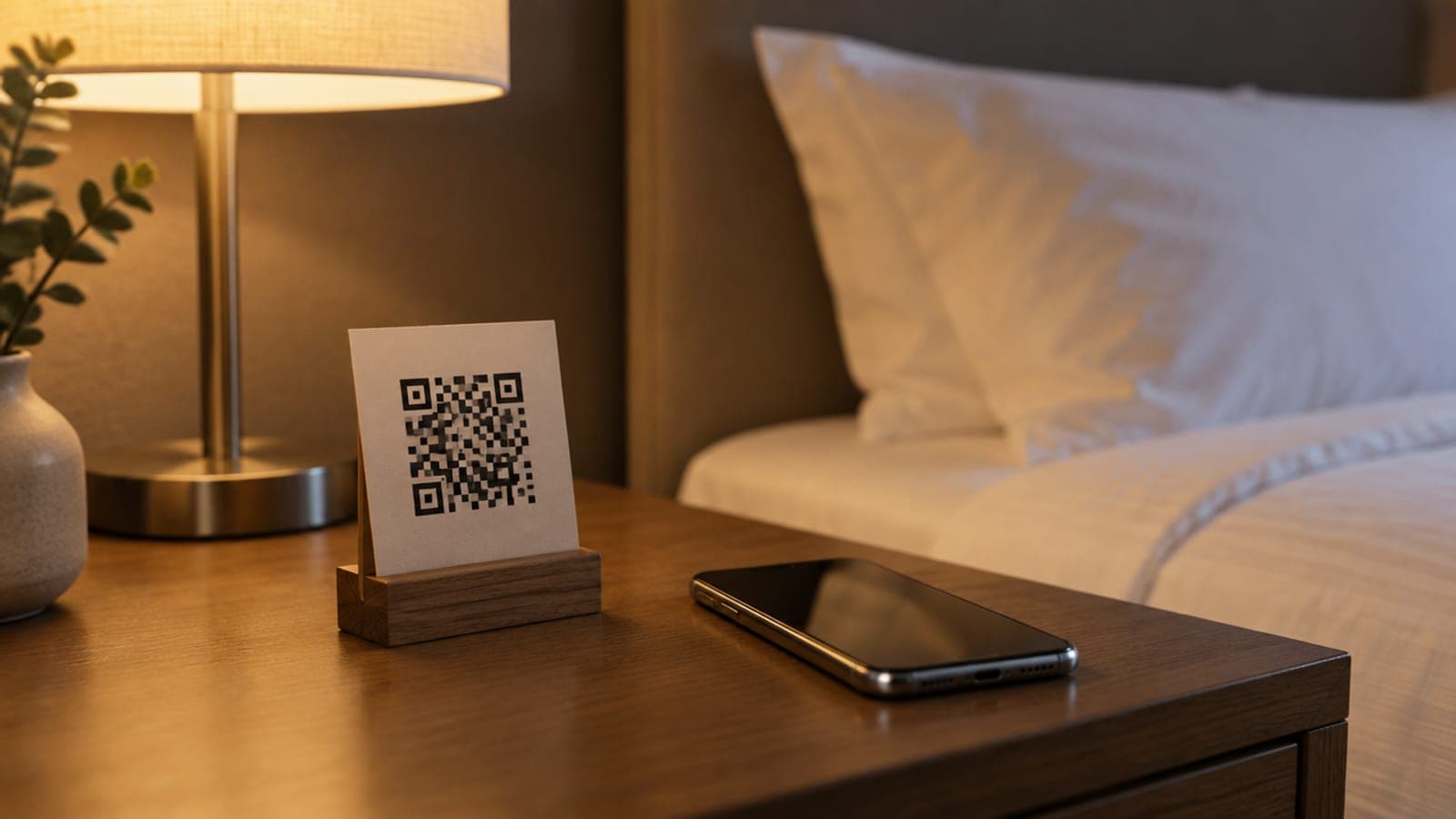
The ZimmerStack team sets up the cards with you: one QR card for every room, six cards to an A4 sheet. Each card carries your logo and hotel name, the room number and the words "In-room digital concierge". Under the code it says "Scan for guest services", with four labels: Housekeeping, Room Service, Extra Towels and Maintenance. Short steps show how to scan with an iPhone or an Android phone. A line at the bottom says the code opens the room's concierge chat.
The guest points their camera at the card and a page opens in the browser, with no app to install. The card belongs to its room, so the page finds the stay checked in to that room. Once that guest checks out, in-room requests from their phone stop.
Every request becomes a ticket with a clock
The guest picks what they need and sends it. The request lands on the tickets desk in the PMS with the room number, the type of request and a due time. Each type carries its own clock, so a towel request is due sooner than a room clean.
Staff acknowledge a ticket when they pick it up, then resolve it when it is done. A late ticket is marked overdue and moves to the top of the list. If the guest taps the same request again within the hour, it joins the open ticket, so the desk doesn't send two people with towels.
| Step | Phone call to reception | QR card in the room |
|---|---|---|
| The guest asks | Calls and waits for someone to pick up | Scans the card and picks the request |
| The room number | Said aloud, sometimes misheard | Attached by the card |
| The record | A notepad, if anyone wrote it down | A ticket with a due time |
| At shift change | Whatever someone remembers | The list of open tickets |
| When it runs late | The guest calls again | The ticket is marked overdue |
A good follow-up closes the loop. After a repair, the desk calls the room and asks if everything works now. The ZimmerStack PMS keeps a log of these courtesy calls, with the guest's mood, and can open a new ticket from one. We go deeper on this in how to track guest requests.
Room service goes straight to the restaurant
A room service order is a different kind of request. It needs a menu, a kitchen and a bill. So an order from the card goes to the restaurant's POS, with the room number and the guest's stay attached.
The kitchen sees the order on its display, like any other order. When it is billed, the charge posts to the guest's folio, so it is already on the bill at checkout. Nobody carries a paper slip to the front desk. Nobody types the order into a second system. More on that in the restaurant POS.
Print it well and put it where hands go
A card nobody notices does nothing. Most requests happen from the bed or the desk, so put the card where a hand already goes.
- One card on the bedside table, next to the phone, facing the bed.
- A second copy on the desk or the back of the door.
- Printed on thick card or placed in a stand, so it doesn't curl or get thrown away.
- Tested with two different phones before the room goes on sale.
- Mentioned at check-in in one sentence: "Scan the card by your bed for towels, food or anything that isn't working."
- Checked by housekeeping every time they make up the room.
Reprint a room's card if you renumber the room. Keep a few spare sheets at the desk for cards that go missing.
Time every reply, then set your own standard
A ticket records two times that matter: when someone acknowledged it, and when it was finished. The Chatbot tickets report in the admin app shows the average of both for any date range. It also splits them by type of request, by status and by staff member.
Worked example
One week of requests at a 30-room hotel
In this example, a 30-room hotel reads its first week of QR requests.
| Type of request | Requests | Average time to acknowledge | Average time to finish |
|---|---|---|---|
| Housekeeping | 70 | 4 minutes | 18 minutes |
| Room service | 20 | 3 minutes | 25 minutes |
| Maintenance | 30 | 12 minutes | 55 minutes |
Housekeeping and room service look healthy. Maintenance is slow, and the drill-down shows the slow tickets all came after 10 pm. The fix is a named person on call at night.
Set your own targets from your first two weeks, then read the report every Monday. Faster fixes feed straight into your rating, because the problems behind bad reviews get solved while the guest is still in the room.
See the front desk that tracks every requestSee how the booking board, housekeeping status and maintenance tickets work together in the ZimmerStack PMS.See the PMSWhat to do this week
- Count the calls. For two days, tally every call to reception that was really a request, by type.
- Print and test the cards. Print one card per room, then scan each one in its room with two different phones.
- Place them and say it. Put the cards by the beds and add one sentence to your check-in welcome.
- Name an owner per type. Housekeeping, maintenance and room service each get a person on every shift, including nights.
- Read the first week. Look at the time to acknowledge and the time to finish, then set your own targets.