Where your brand shows
Your web address
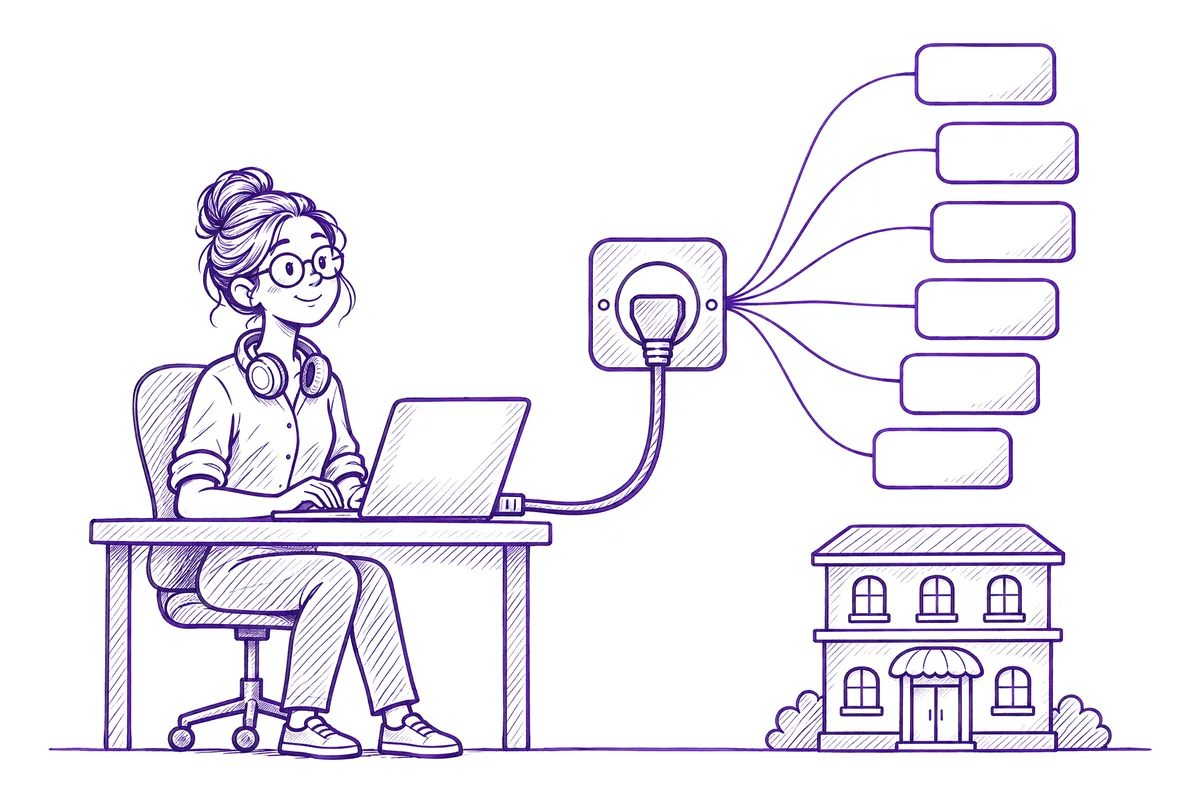
Hotels sign in at pms.yourbrand.com, or at yourbrand.pms.zimmerstack.com if you'd rather not set up a domain.
Your logo and colours
On the sign-in page, in every app's header and on the browser tab.
Emails in your name
Password resets, daily reports and other emails reach your hotels with your brand as the sender and links to your address.
Your support line
Your support email and phone number show wherever your hotels look for help.
Booking money where you choose
Guest payments go to your account or the hotel's, or through your own Razorpay account.
One bill, to you
We bill you once a month for all your hotels. Your hotels never see a ZimmerStack bill.
Try it with your brand
Type your company name and pick a colour. This is close to what your hotels see when they sign in.
A sketch of the real sign-in page. Your logo takes the place of the letter once you upload it.
How white label gets started
Call the partner desk
Tell us about your company and your hotels. We plan your setup on the call.
We create your brand
We set up your name, colours and web addresses. You upload your logo from your partner portal.
Point your domain
If you use your own domain, add the DNS records we give you. We check them and switch your brand on.
Enroll your hotels
Every hotel you enroll signs in at your address and sees your brand.
Talk to the partner desk
Call or WhatsApp us. We'll explain how it works for your business and agree terms on the same call.
Common questions
Can't find yours? WhatsApp us. A person who has worked a front desk replies.
Ask us directly →Do I need my own domain?
No. You can use your own domain, like pms.yourbrand.com, or an address on ours, like yourbrand.pms.zimmerstack.com.
Will my hotels see ZimmerStack anywhere?
Not in the apps: the sign-in page, headers and browser tabs show your brand. Emails carry your brand as the sender name and are sent from our email address.
Who bills my hotels?
You do. We bill you once a month for all of them, and you charge them what you like.
What does it cost?
It depends on how many hotels you bring and which apps they use. We agree it on a call.
Can booking payments go into my account?
Yes. Guest payments can go to your account or the hotel's, or you can connect your own Razorpay account.